citesync
Status: experimental. It may change in ways that break your code, without notice.
Questions and bugs: see contributing guide.
Generate software citation files from package metadata, then keep them in sync across CITATION.cff, codemeta.json, .zenodo.json and package manifests, including Typst and Quarto plugin manifests. Use the CLI, a pre-commit hook or the browser playground. Field mappings come from CodeMeta's crosswalks, as exported by codemeta-drift.
Usage
citesync compares eleven fields, from title to release date, with one file: the source. The source is CITATION.cff unless you pick another with --source. With neither, citesync exits 3. Use citesync through its command line and the pre-commit hook. Its Python modules are internal and may change in any release.
uv tool install citesync            # or run it once with uvx citesync check
citesync check                      # exit 0: no error finding; 1: an error finding; 2: usage error; 3: couldn't run
citesync check --source pyproject.toml
citesync write --diff               # print what write would change, and change nothing
citesync write                      # rewrite the other files to agree with the source
citesync init                       # write a CITATION.cff from codemeta.json, .zenodo.json and the manifests
citesync export --format apa        # print a citation: apa, bibtex, csl-json, jsonld, datacite, ris, endnote, cff, codemeta or zenodo
citesync explain version-mismatch   # what a rule checks and how to fix it
citesync config                     # the config in use, and the file it came from
codemeta.json:3:3: error[version-mismatch] version: '2.0.0', CITATION.cff has '1.0.0'
  help: Make the file agree with the source, or the other way round if the source is wrong.
1 error, 0 warnings in 3 files
1 fixable with `citesync write`
A config is optional. A one-line citesync.toml is ignore = ["description-mismatch"].
citesync --help lists every command and option. Read the documentation:
- How check works: the fields, files, options and exit codes.
- How write works: what it changes and what it leaves alone.
- Supported files: which files citesync reads, updates and creates, including read-only Python distribution, R and Julia metadata, and the RO-Crate and Croissant files sourceledger makes.
- How init works: where a new CITATION.cff takes each field from.
- Citation exports: BibTeX, CSL-JSON, APA, schema.org JSON-LD, DataCite XML, RIS and EndNote files kept in step with the source.
- Rules: each rule id, what it checks and how to fix it.
- Configuration: where config goes, and every key.
- Use citation exports with Pandoc: cite software from the CSL-JSON or BibTeX files
citesync exportor the playground makes. - Output formats: JSON, GitHub annotations and SARIF.
- Tested on real repositories: what citesync reports on five public repositories.
Browser playground
Generate citation files from existing metadata or basic project details, without installing Python. Open the playground or read the playground guide. Files are processed in the browser; downloading the converter requires a network connection.
Pre-commit hook
For prek or pre-commit, in .pre-commit-config.yaml:
repos:
  - repo: https://github.com/simonvanlierde/citesync
    rev: v0.6.0
    hooks:
      - id: citesync
      - id: citesync-write
The citesync hook runs when a commit changes a supported metadata file, a citesync config or a file with an export suffix (.bib, .csl.json, .apa.txt, .jsonld, .datacite.xml, .ris, .enw), at any depth. It checks every file, not only the staged ones, and fails the commit on an error finding (exit 1) or when citesync can't run (exit 3), such as on a bad config. The exit codes are the same as on the command line. The citesync-write hook runs only when you ask for it: prek run citesync-write --stage manual --all-files. Both hooks need Python 3.13 or newer.
For a dataset file with a custom name, set always_run: true on each citesync hook. This checks all configured paths on every commit or manual run, even when the default filename filter would skip the changed file.
Social card
playground/og.png is the 1200x630 card shown when the link is shared. It is rendered from
docs/og-card.html, whose example is tests/fixtures/synthetic-agree/pyproject.toml run through citesync init. Edit the HTML, then from the repo root:
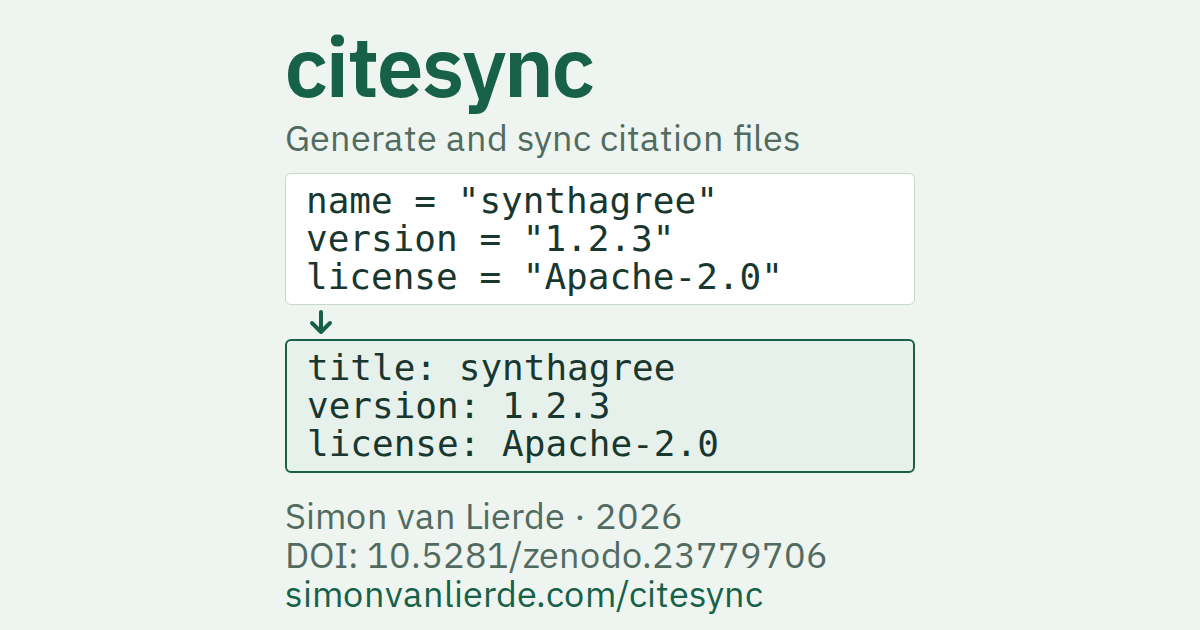
pnpm exec playwright screenshot --browser=chromium --viewport-size=1200,630 \
  file://$PWD/docs/og-card.html playground/og.png
playground/build.py copies the card into the built site and adds its hash to the image URL. The playground and every documentation page include sharing tags.
Development
You need uv, just, Node.js 26 and pnpm.
uv sync
pnpm install --frozen-lockfile
uv tool install prek   # once per machine
prek install           # git hooks
just lists the tasks. They mirror what .github/workflows/ runs.
just check       # lint, types and tests for every stack here
just fmt         # apply each stack's fixes and formatting
just hooks       # the git hooks, as the checks workflow runs them
just mutation mutation-tests the modules only_mutate lists under [tool.mutmut] in pyproject.toml. CI runs it weekly, on Mondays (mutation.yml). It fails when the tests miss a change that tests/mutation-baseline.txt doesn't list. A change that can't alter behaviour goes in that file, with the reason. It also fails when the tests now catch a listed change, so drop that line.
uv locks only releases at least a week old. For a newer security fix, pin the source archive at an exact commit, then return to the registry version after a week (how).
Licence
See LICENSE.